Chat Sharing
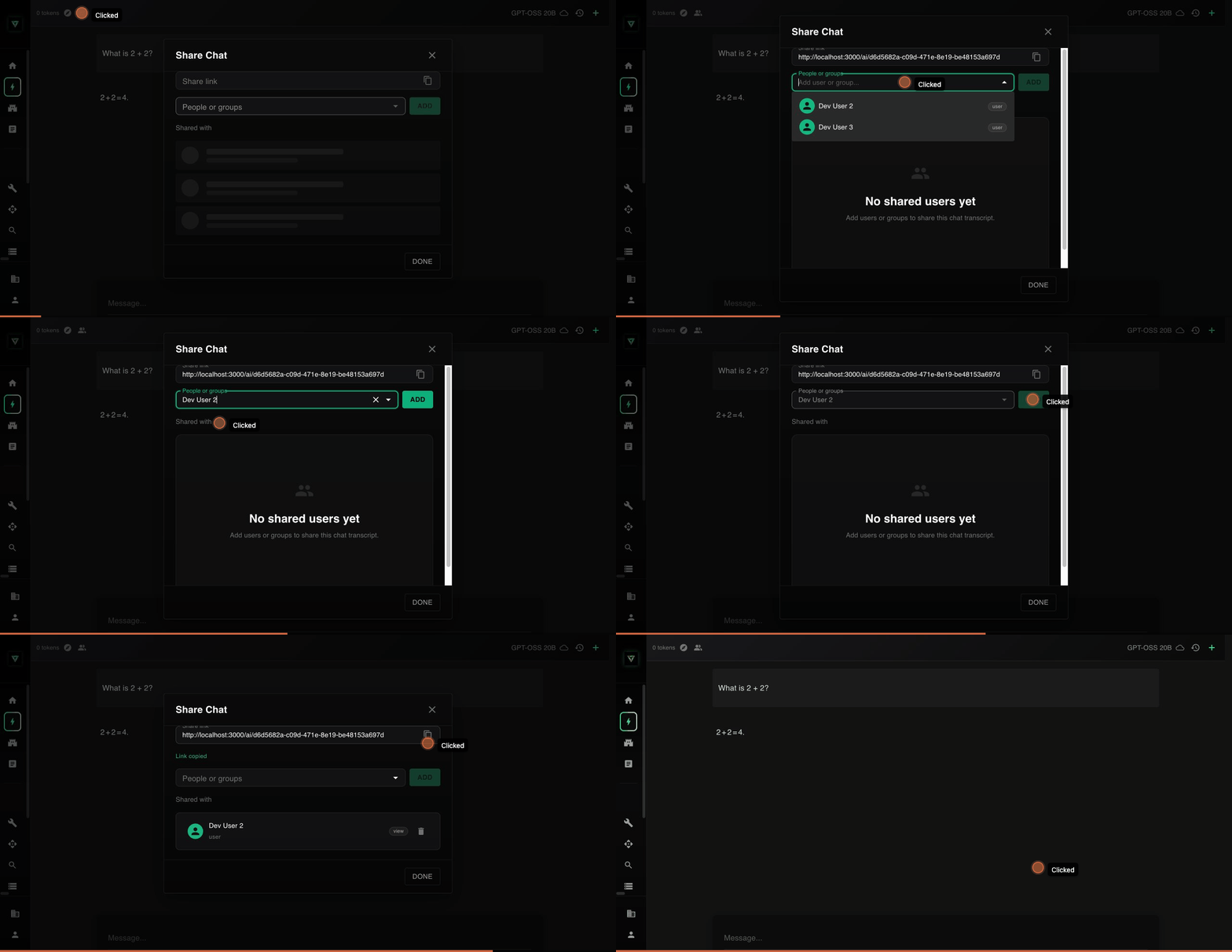
Share AI chat conversations with other people in your workspace so they can review what was discussed, see the tools the agent used, and understand the reaso...
Share AI chat conversations with other people in your workspace so they can review what was discussed, see the tools the agent used, and understand the reasoning behind decisions.
Who can share chats
- Chat owners can share any chat they created.
- Workspace admins can manage sharing for any chat in the workspace.
Who can receive shared chats
You can share a chat with any individual user or group in your workspace. Recipients must have an active account in the same workspace to access shared chats. Chats cannot be shared with people outside your workspace.
What shared users can do
Shared users receive view-only access. They can:
- Read the full conversation, including all messages from both the user and the AI.
- View tool calls and their outputs (search results, document lookups, etc.).
- See which agent was used and how many prompts were sent.
Shared users cannot:
- Send new messages or continue the conversation.
- Edit or delete any messages.
- Share the chat with additional people.
How access works
Every chat is private by default. Only the person who created it can see it. When you share a chat, you are granting specific users or groups permission to view that conversation. You can revoke access at any time.
Workspace admins can always access any chat for administrative purposes, regardless of sharing settings.
Related guides
- Sharing a Chat -- Step-by-step instructions for sharing a chat.
- Viewing a Shared Chat -- What to expect when you open a chat someone shared with you.
- Managing Permissions -- How to review, update, or revoke access.
- Troubleshooting -- Solutions to common issues.